Cooking with Claude

Trying to make sense of what’s going on in AI right now

Josh Brake

Associate Professor of Engineering, Harvey Mudd College
Venture Partner, Praxis

2026-02-13

All the systems you think are deterministic, actually aren’t

Analog Electronics Digital Logic Machine Code High-Level Languages LLMs
Unreliable substrate Continuous voltages Timing, race conditions Raw binary sequences Manual memory, boilerplate Probabilistic token prediction
Wrangling Noise margins, thresholds, error correction Clock signals, formal verification Assemblers, linkers Compilers, type systems, garbage collection Guardrails, structured output, evals, RAG
Abstraction achieved Clean 0s and 1s Reliable instruction execution Human-readable programs Expressive software systems Intent-specified agents
What you get to forget about Voltage physics Gate-level timing Register allocation Memory management Implementation details of how

Some Stories from My Week

Wednesday Afternoon

Me:

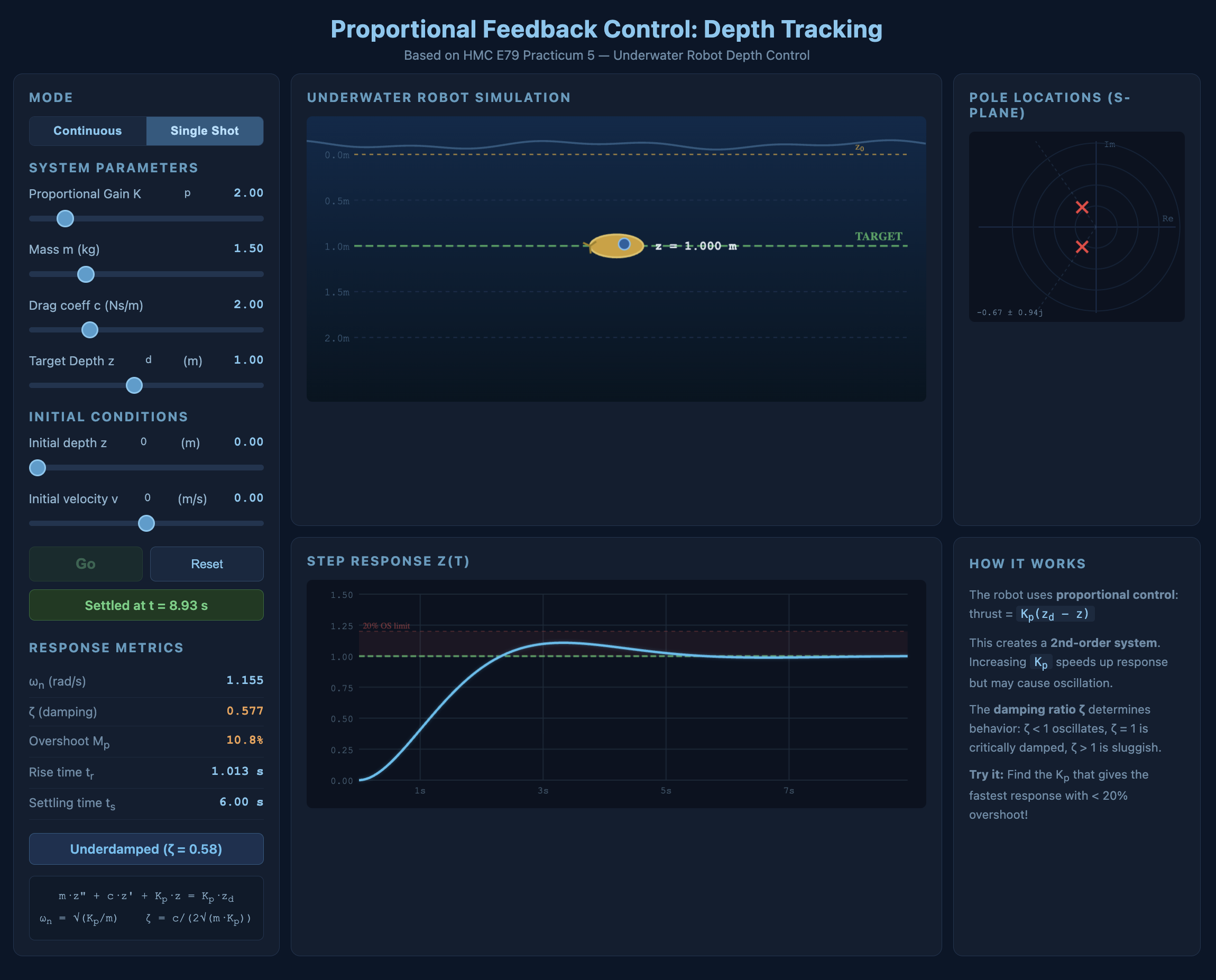
Hey Claude, think you can build some interesting visualizations for E79 about feedback control systems? Here’s the URL to the relevant practicum, build me something cool.
Thursday Night

Me:

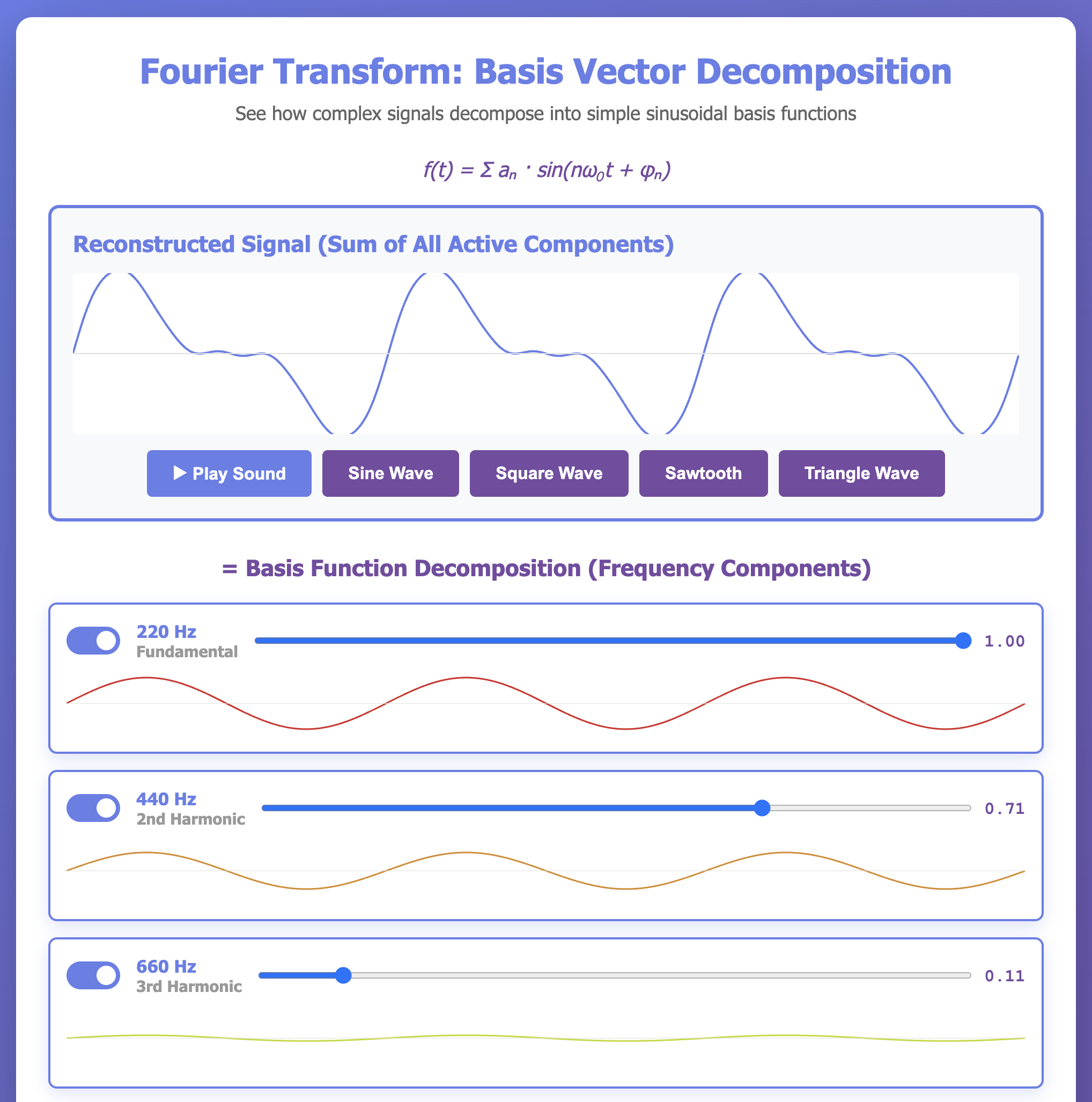
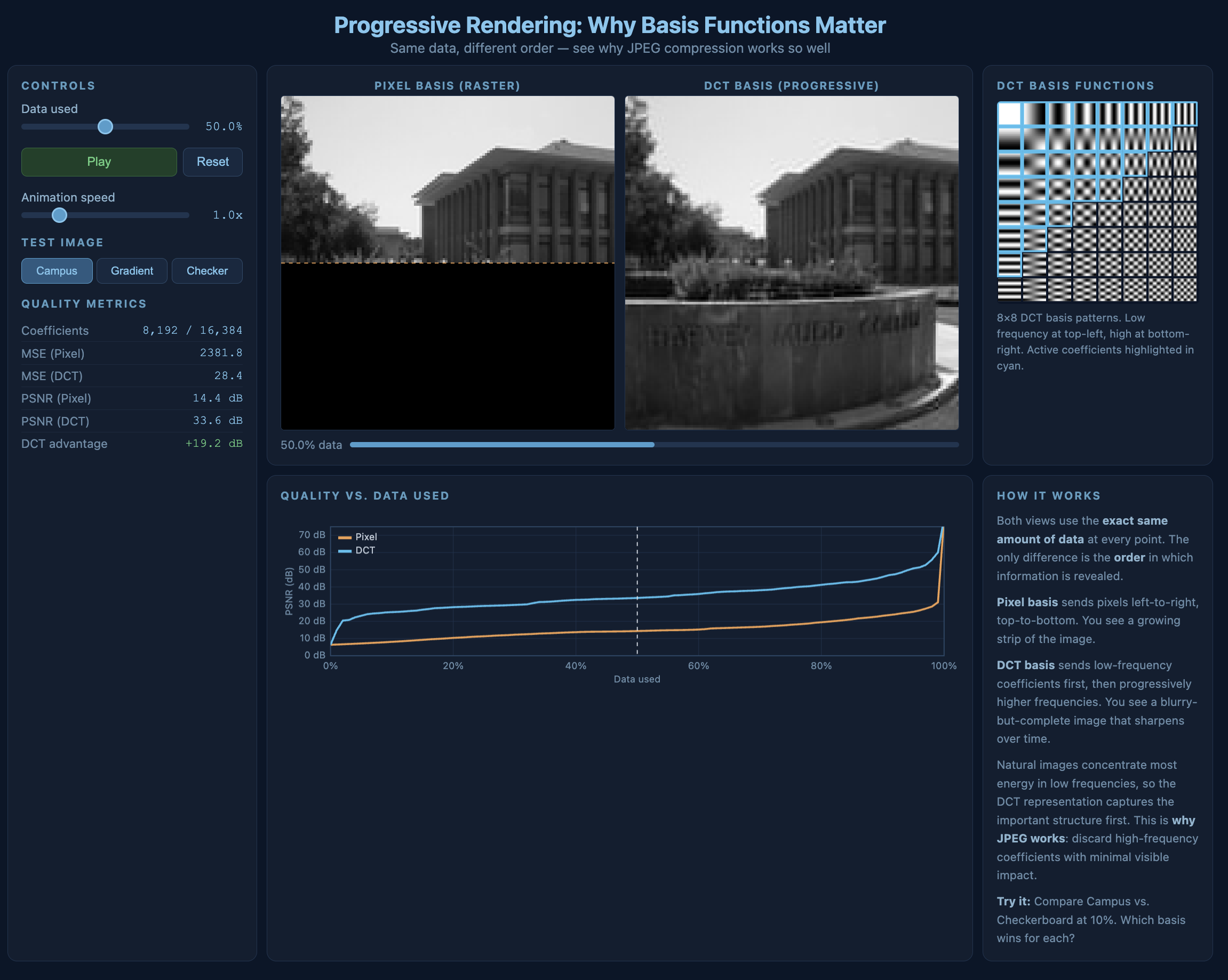
Hey Claude, I want to make a new demo to illustrate the power of linear algebra. Let’s build a demo which shows the power of the Discrete Cosine Transform (the algorithm under the hood of the JPEG) and illustrate how it enables progressive rendering.
Also Thursday Night

Me:

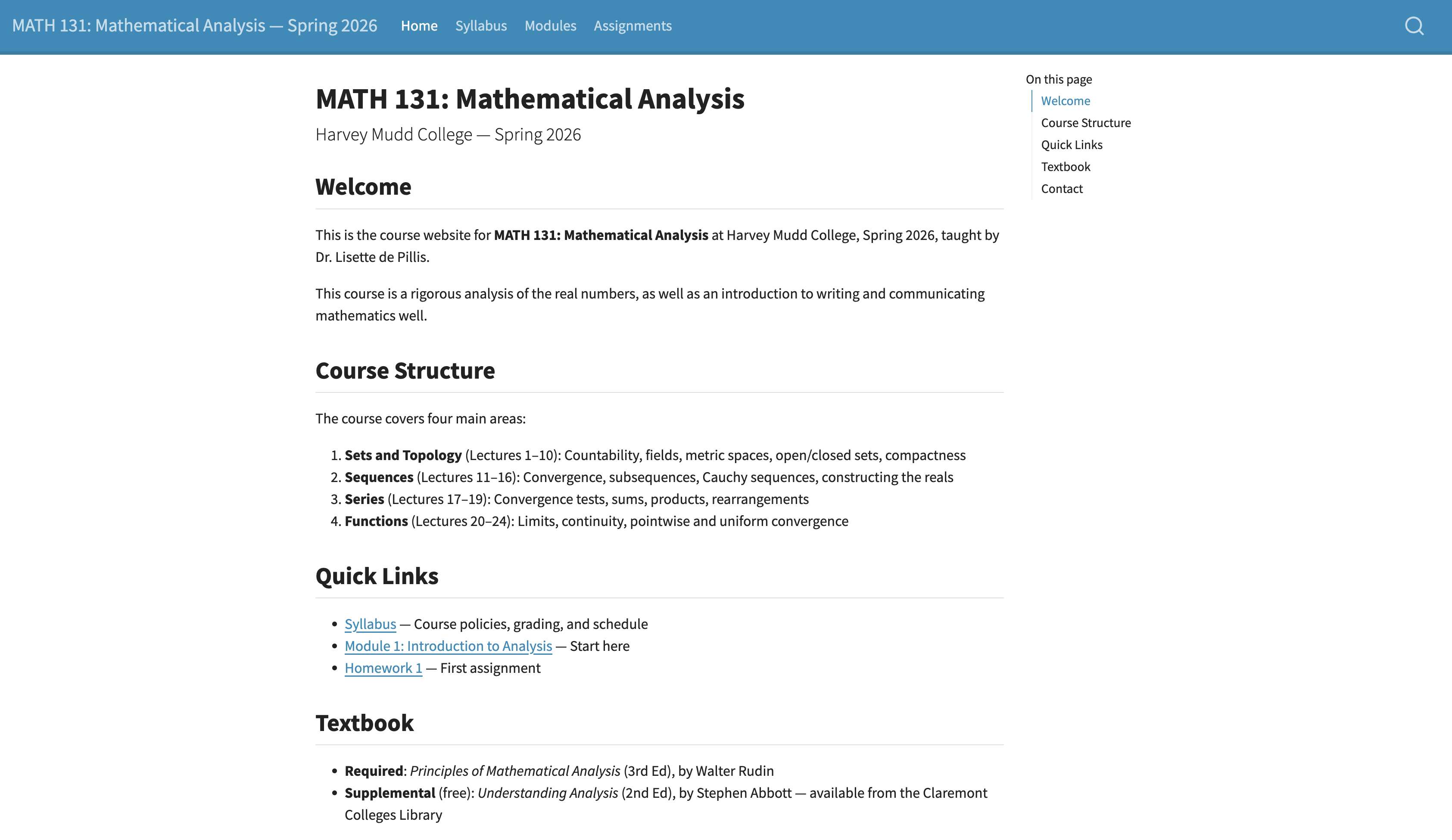
Hey Claude, my colleague has a site on Canvas that I’d like to help her move to a Quarto website. Here’s the URL. Use my browser to examine the structure and build a plan about how to scrape all the data and create a Quarto site from it.
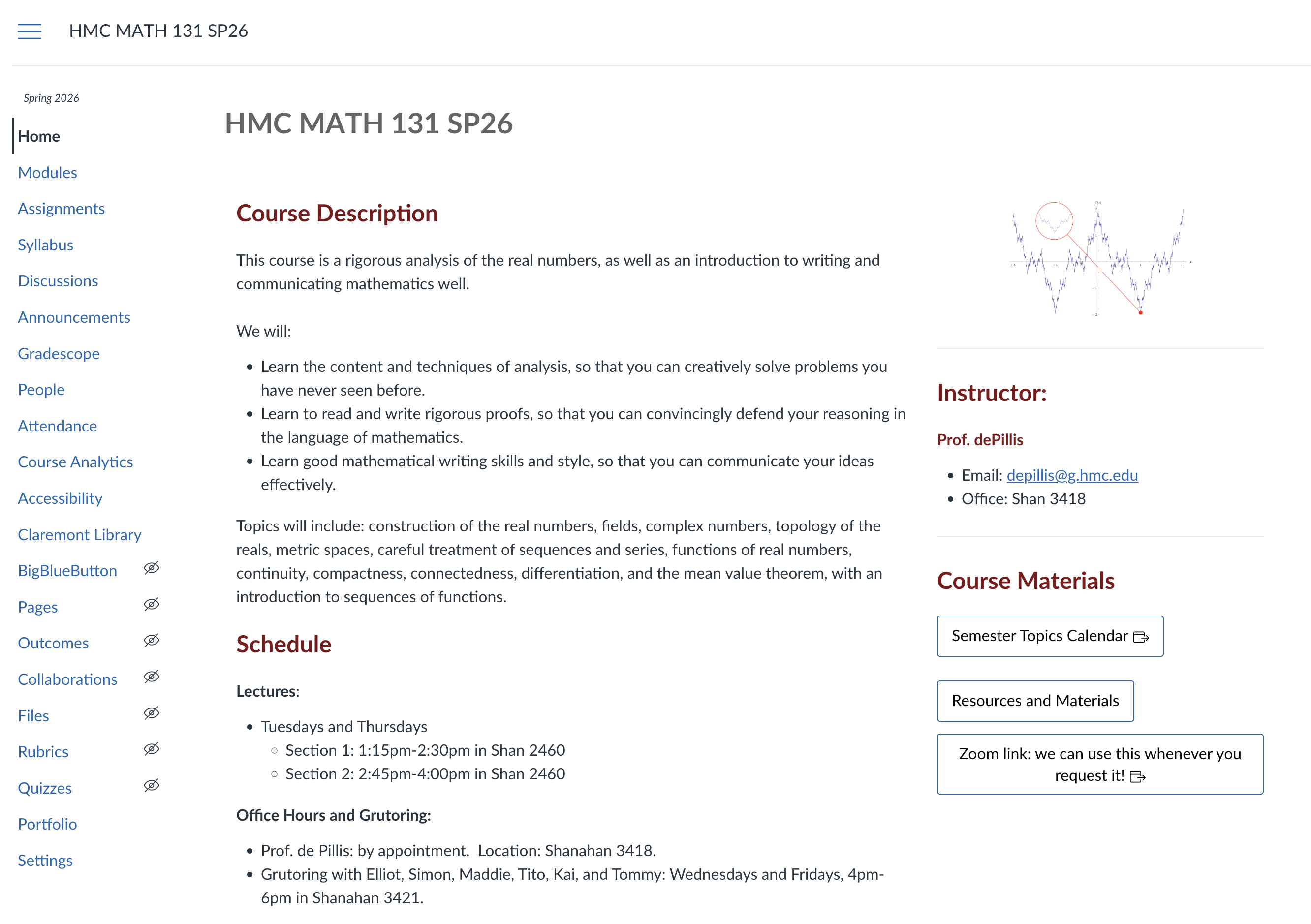
Lisette’s Math 131 Canvas Site

Claude, 30 minutes later, with a bit of help from me along the way (but also a sink full of dishes washed).
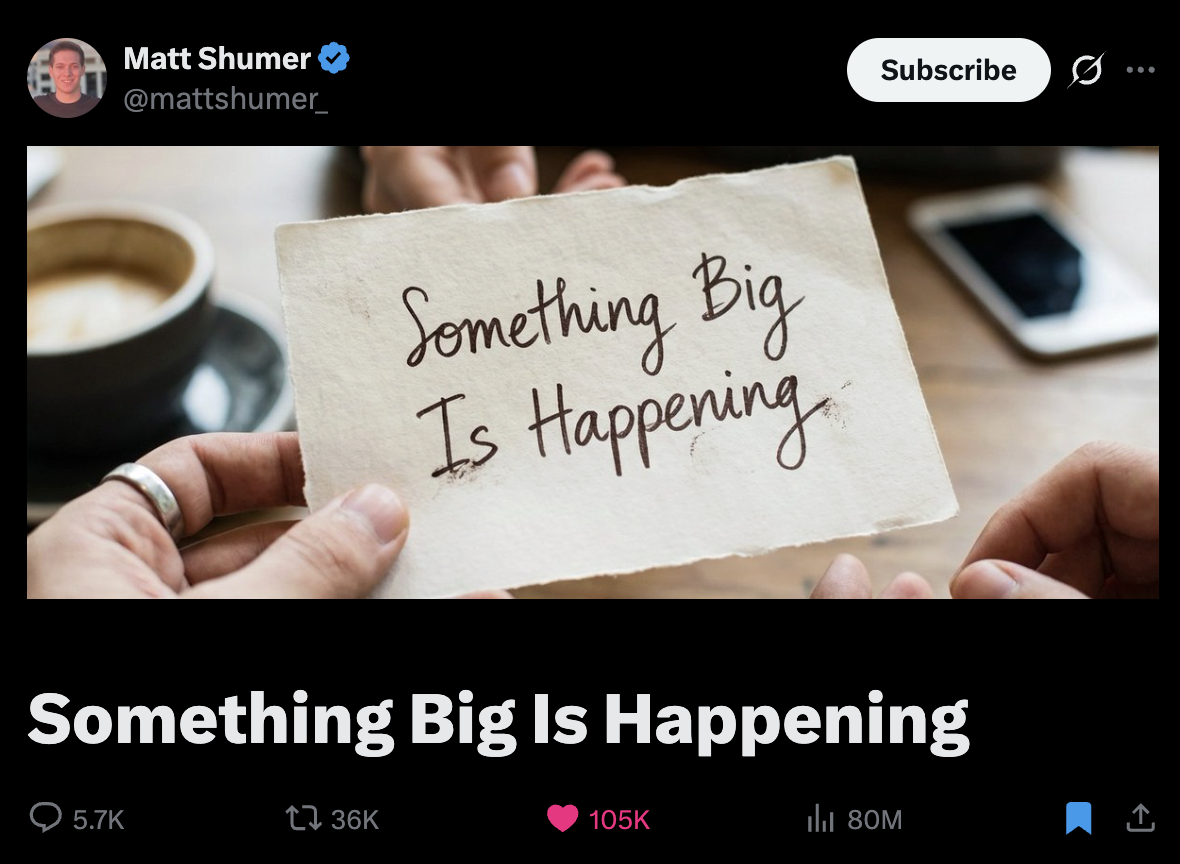
The hype is hype, but it’s also real
Your turn to get a taste

Getting a taste

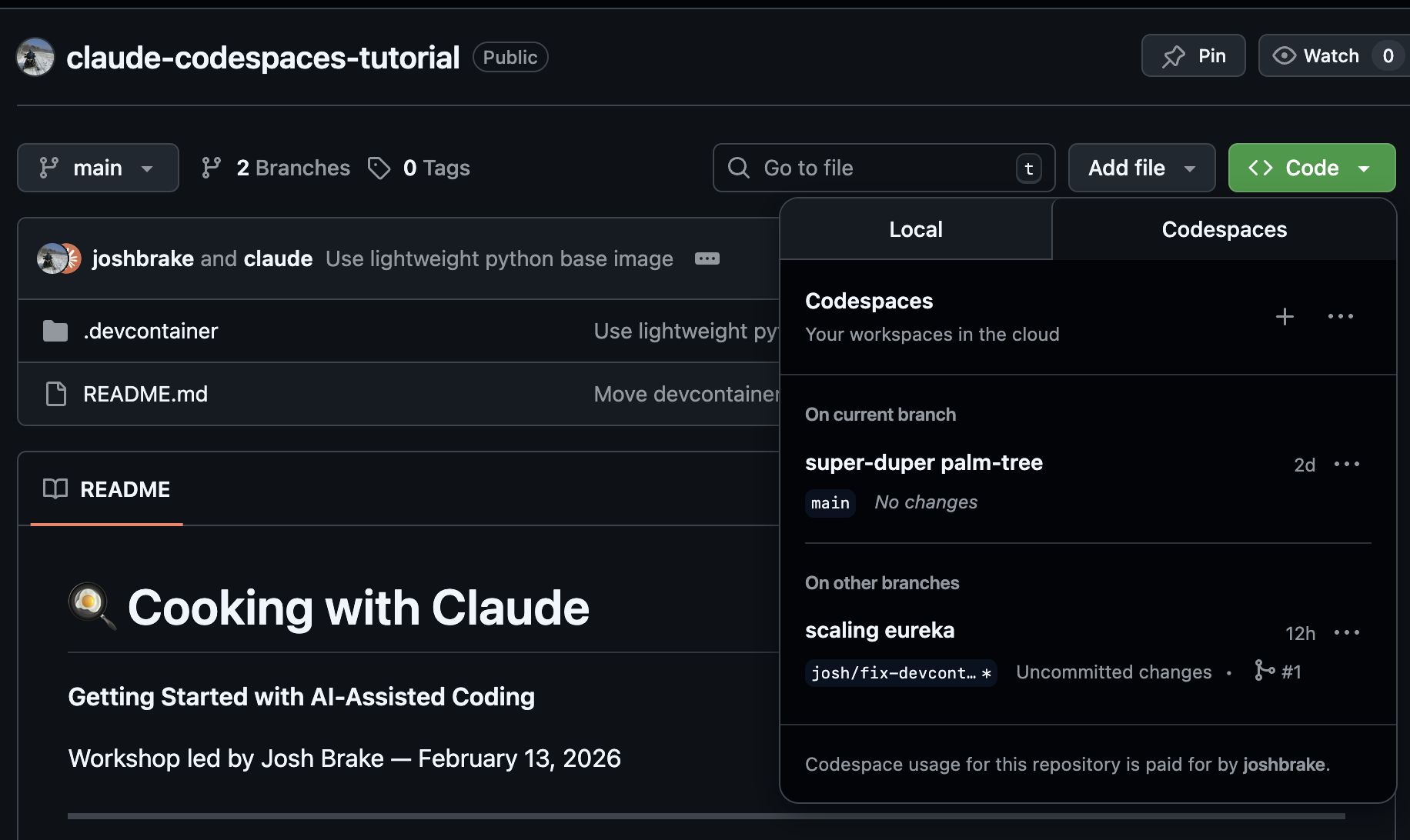
https://github.com/joshbrake/claude-codespaces-tutorial

Try it yourself

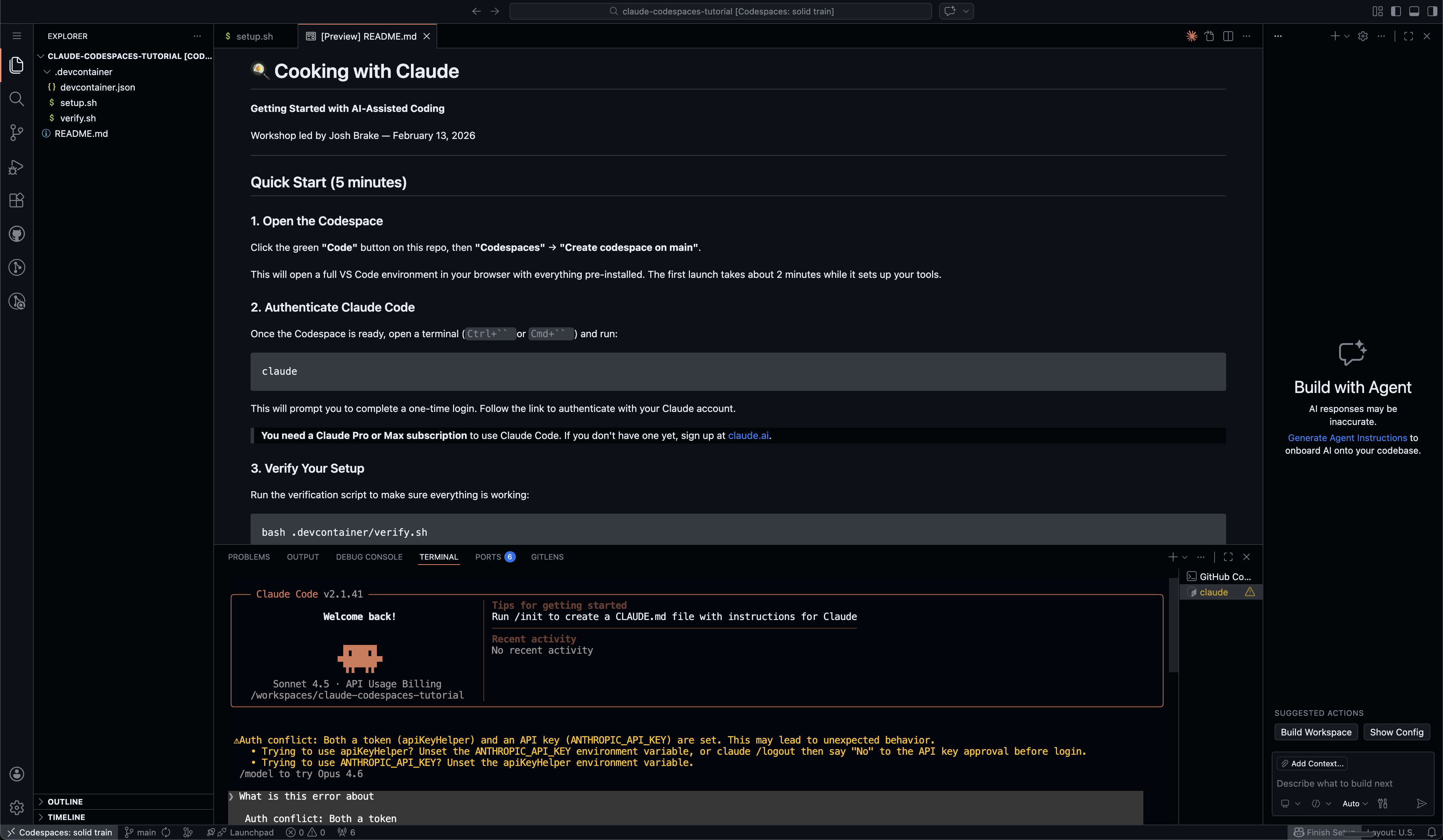
  1. Go to https://tinyurl.com/cookwithclaude
  2. Log/create your Github account
  3. Click the green “Code” dropdown
  4. Go to the Codespaces tab
  5. Click the + to create a new workspace on main
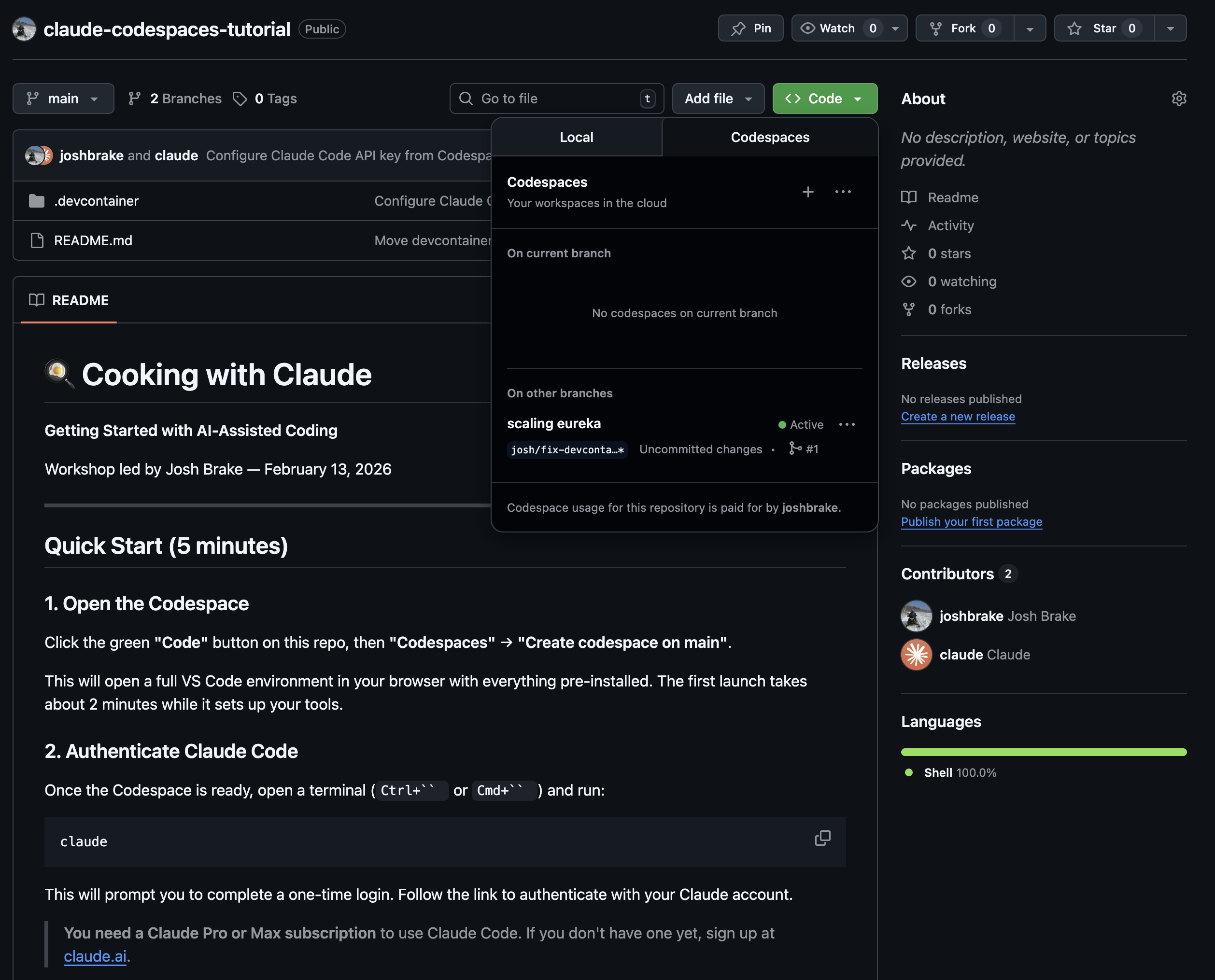
After your codespace builds and opens type claude at the command prompt
How to get started

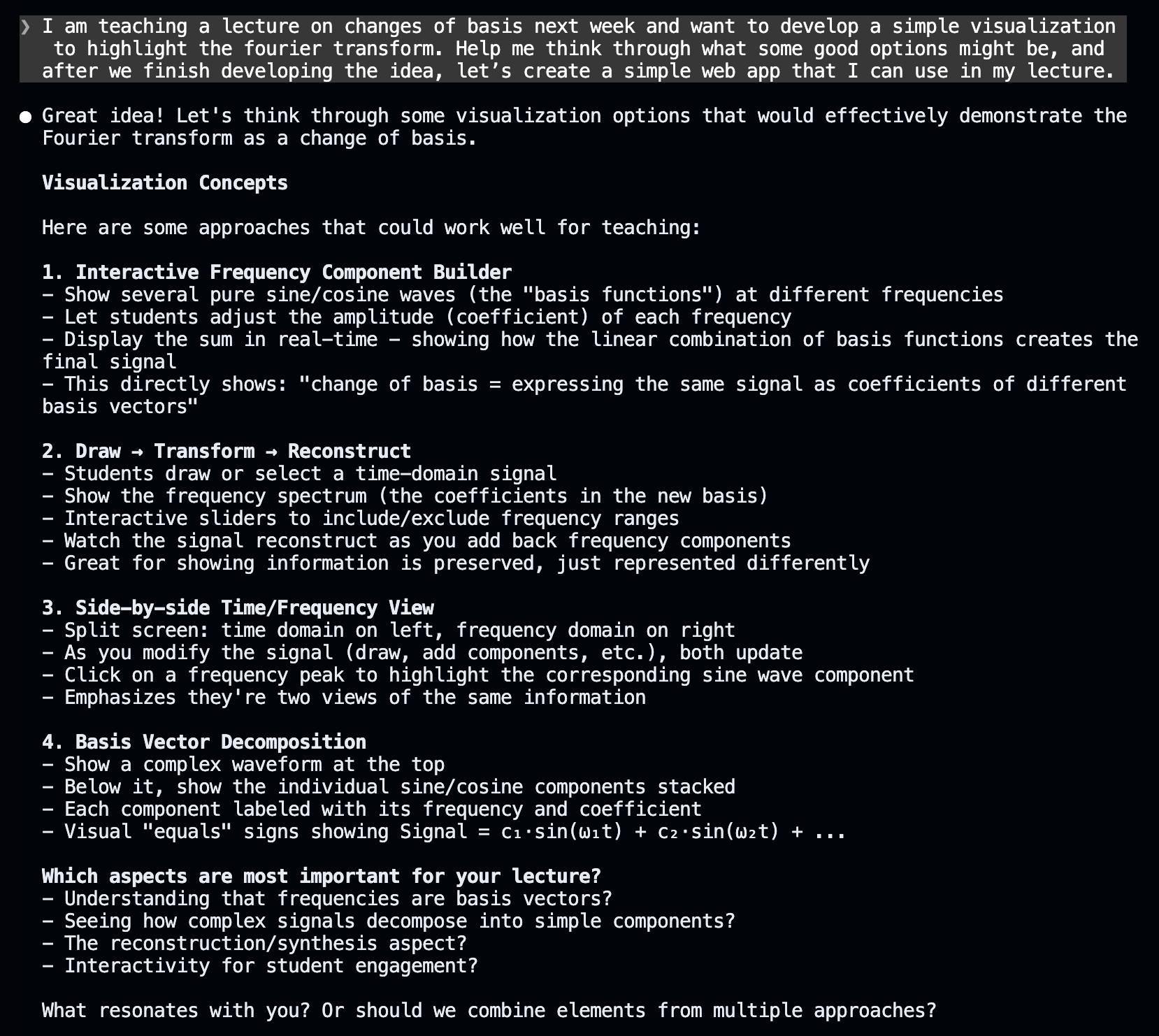
Rule #1: If you don’t know what’s going on, just ask Claude.

  1. Enter Plan Mode by pressing Shift + Tab to cycle through twice.
  2. Enter the prompt below, filling in relevant information in the blanks.

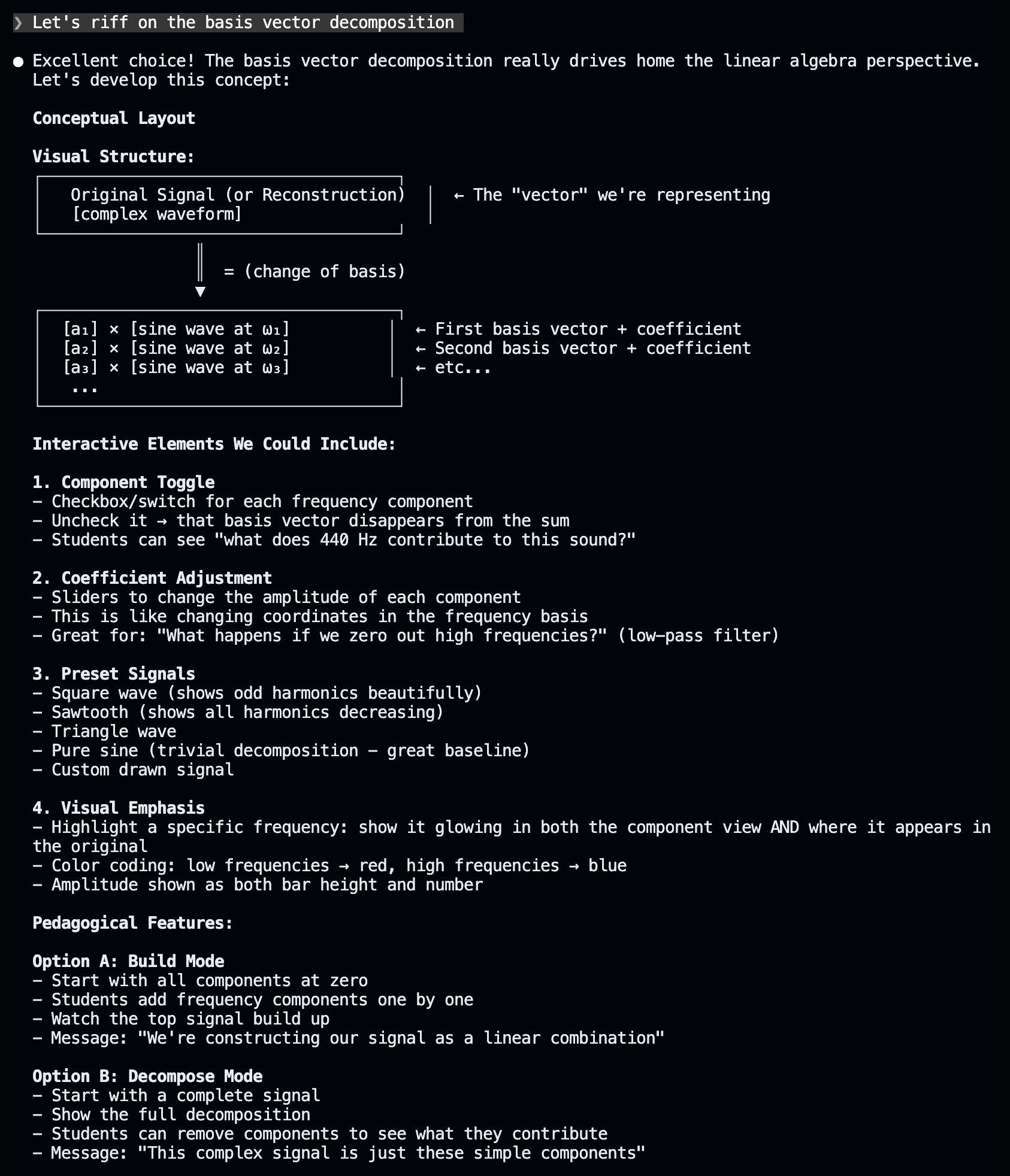
I am teaching a lecture on topic next week and want to develop a simple visualization to highlight concept. Help me think through what some good options might be, and after we finish developing the idea, let’s create a simple web app that I can use in my lecture.

Here is some additional context related to this lecture: replace this with text or other information related to your lecture (e.g., slides, images, text, links, etc.)

https://tinyurl.com/muddaiworkshopprompt

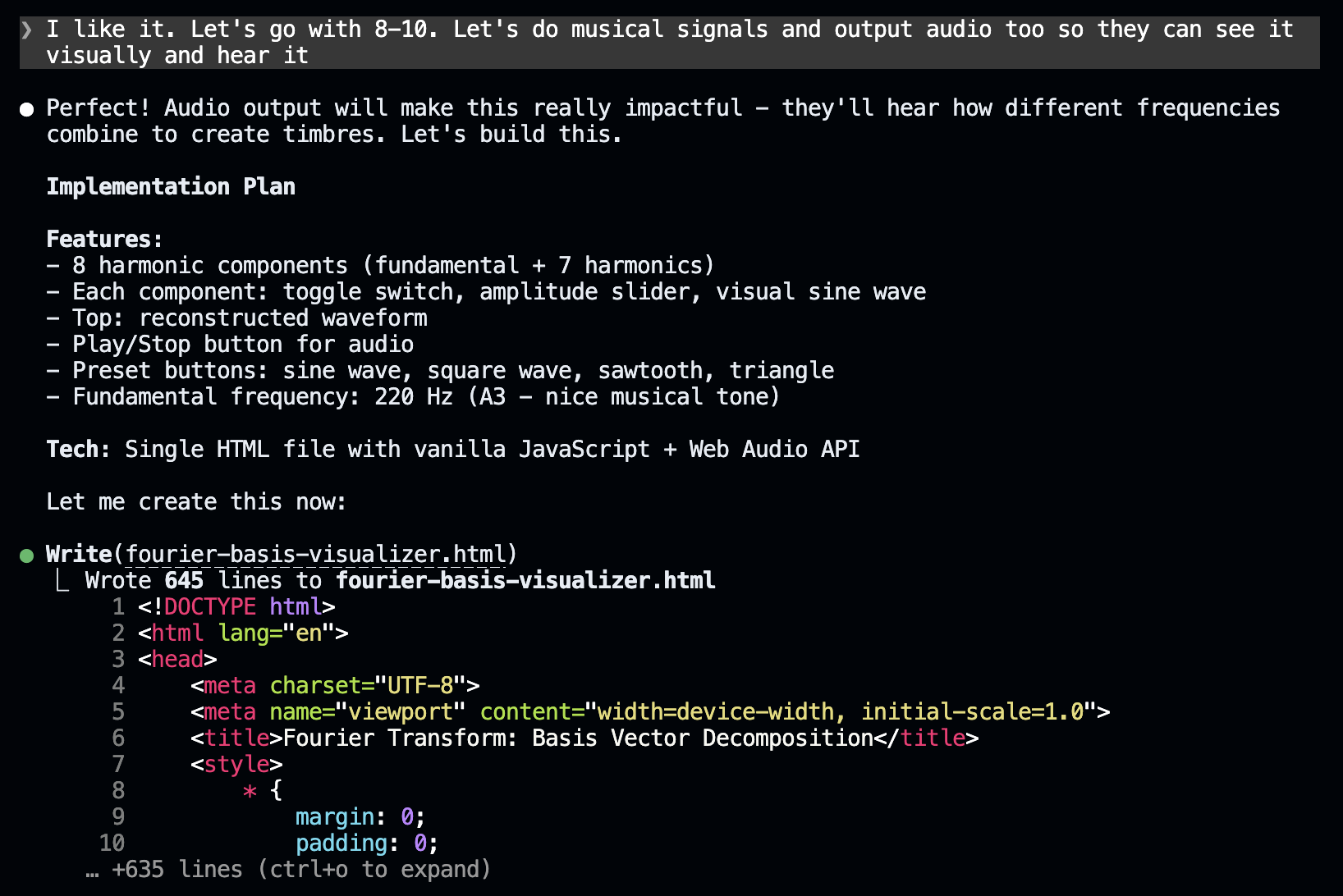
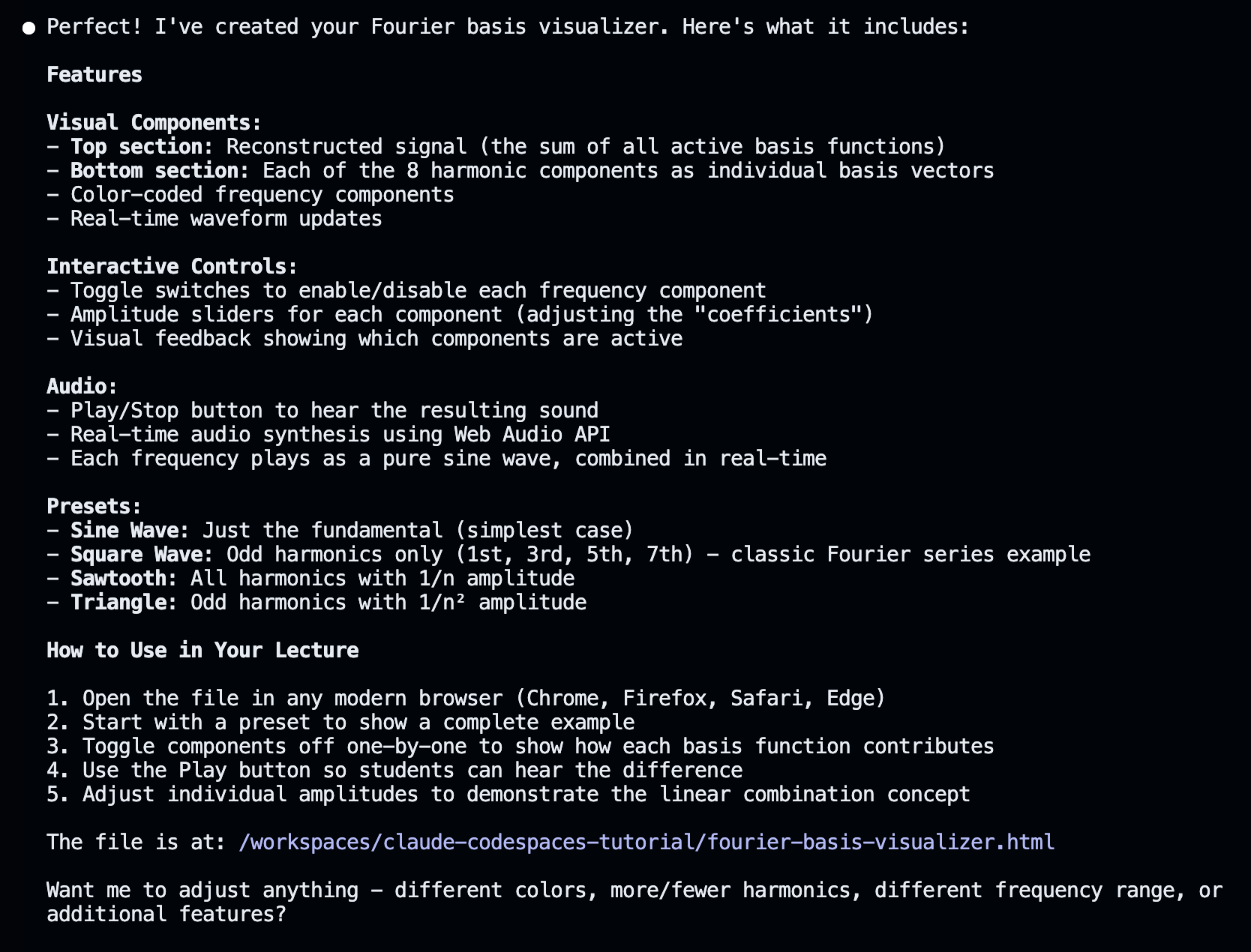
An example

Discussion