// things I've built

Projects

Prototypes and tools I've built, most of them with AI as a collaborator. Some are live, some are still on the workbench, and the build log below keeps track of what's changing.

// build log

Notes from the workbench

Short updates as projects ship, change, or get set down. Longer reflections go to the newsletter. Follow along with the RSS feed.

Opening up the workbench

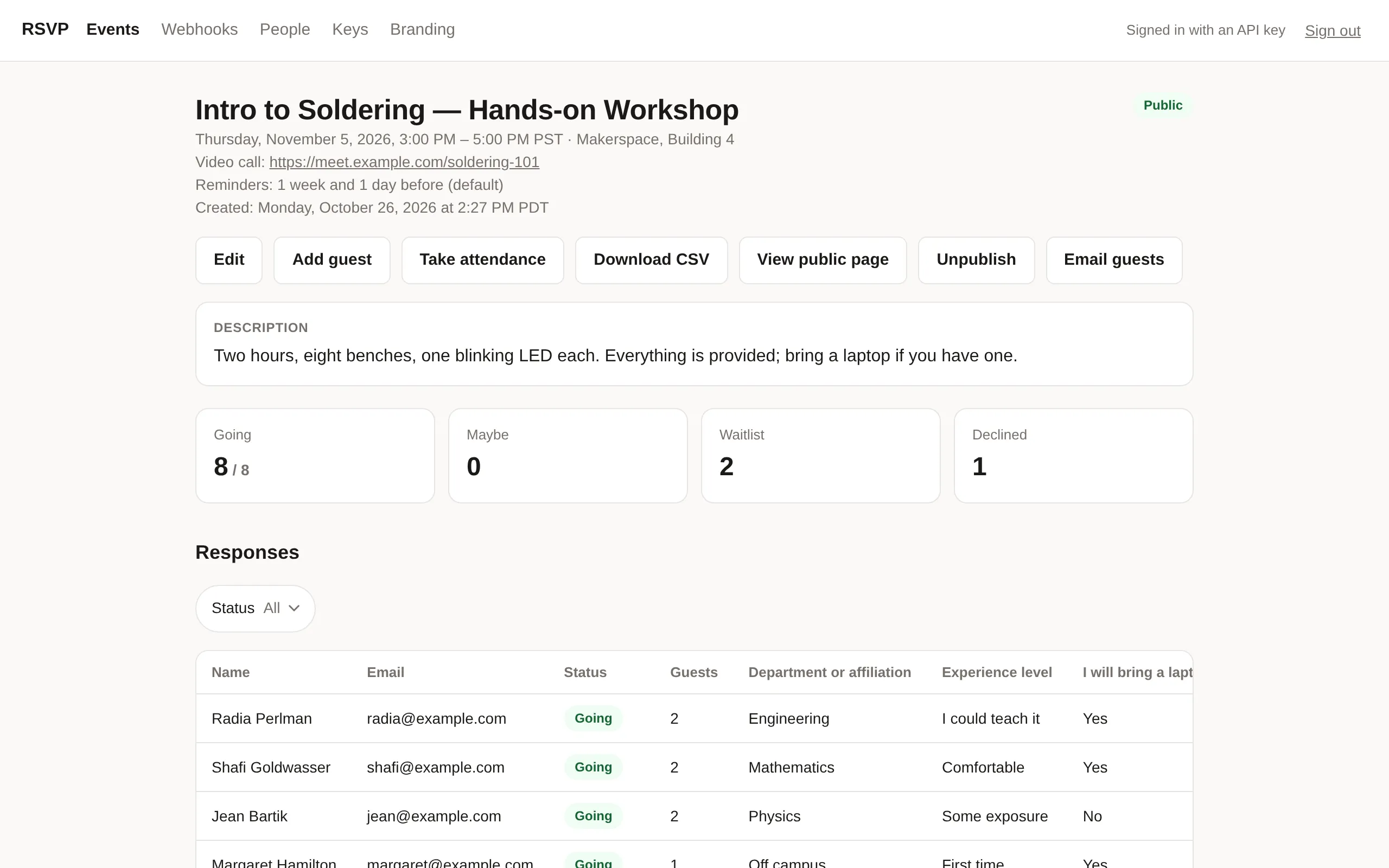
Building is how I think, and lately a lot of that building has been with AI as a collaborator. This page is where those projects live: tools for my classroom, for gathering people, and for my own day-to-day. Some are live, some are prototypes, and a few will probably end up on the shelf.

I’ll post short notes here as things change. Longer reflections will still show up in The Absent-Minded Professor.

Run of Show

Run of Show learns to take direction

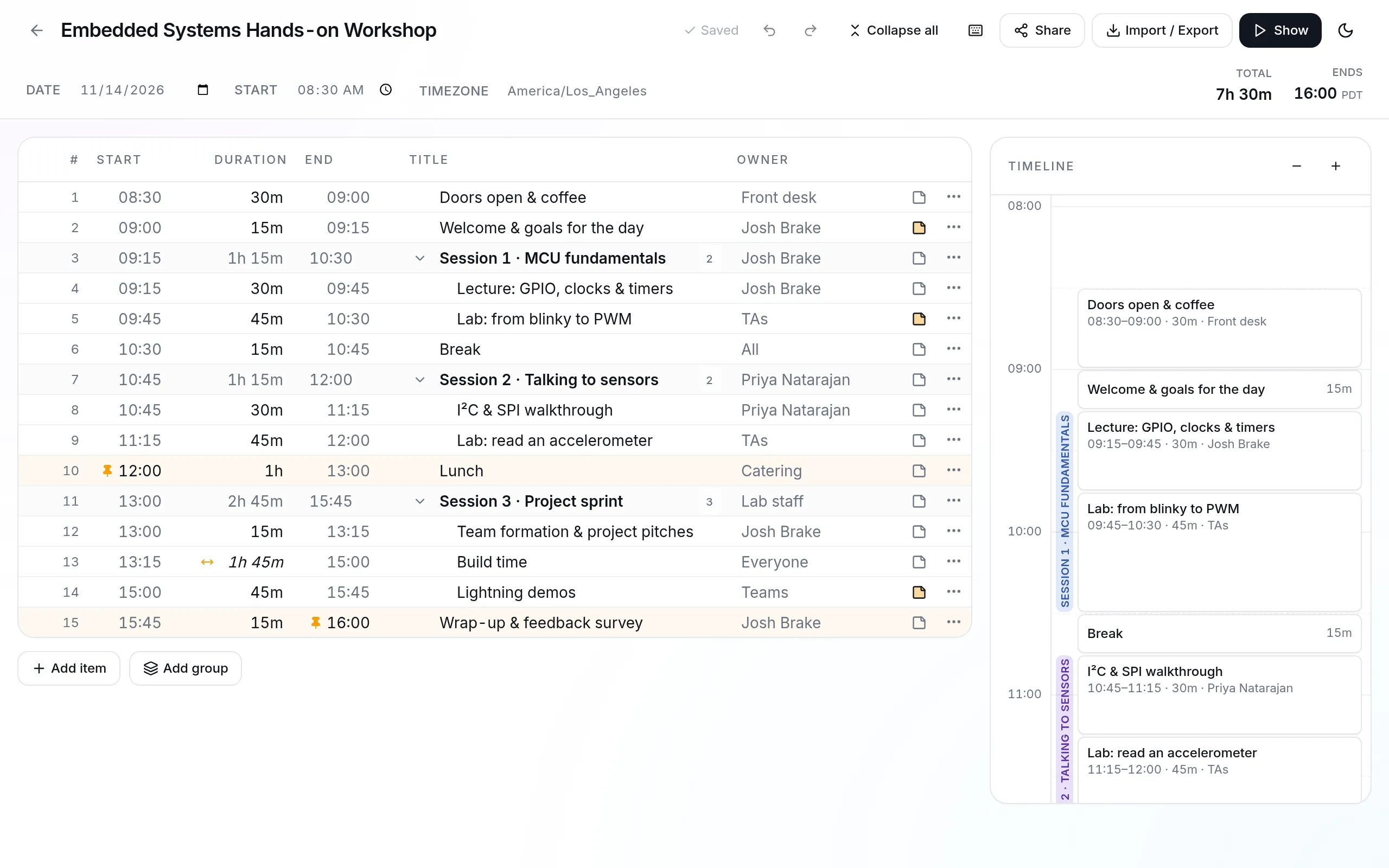
Run of Show now has a REST API and an MCP server, so Claude can read, create, and edit agendas on my behalf, with access granted per user through OAuth. The same day, it gained pinned times: lock an item to a clock time and mark others as flexible, and they stretch or shrink to fit around it.

Time-Block Planner

The planner is now an MCP server

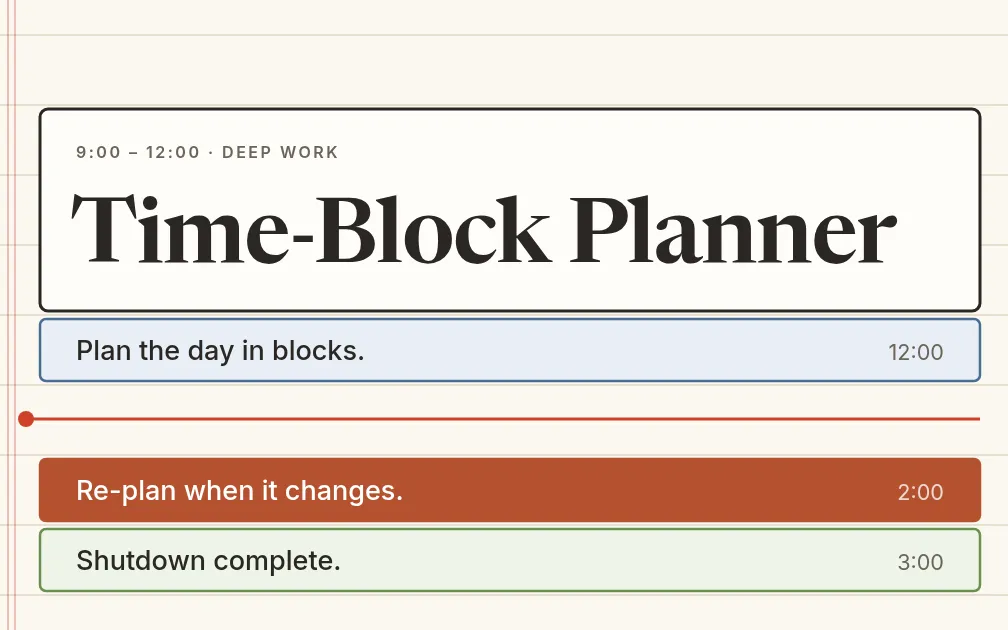
You can now connect Time-Block Planner to Claude as a custom connector. An assistant can read your day and week, add tasks, and schedule blocks, and its edits follow the same rules as the app: they go to the current plan, never to earlier ones, and calendar meetings stay put. Sync also got smarter, merging edits from different devices instead of letting the newest copy win.

Jacquard FPGA Studio

From waveforms to a working board

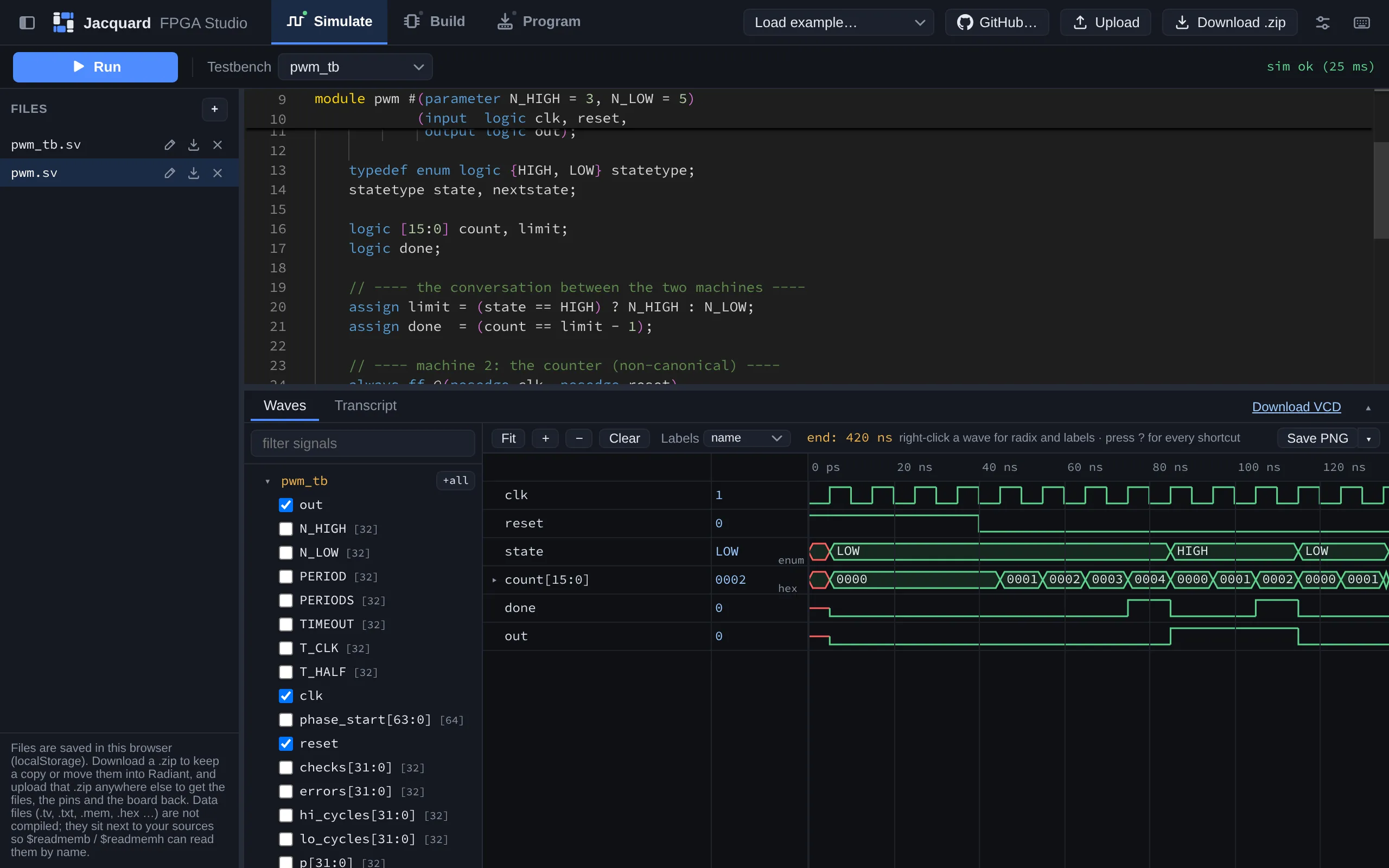
Jacquard started as a simulator. As of today it also does synthesis, pin assignment, and programming, so students can go from SystemVerilog in a browser tab to a design running on their iCE40 board over WebUSB, without installing a vendor toolchain.

Glassroom

The classroom stack gets a name

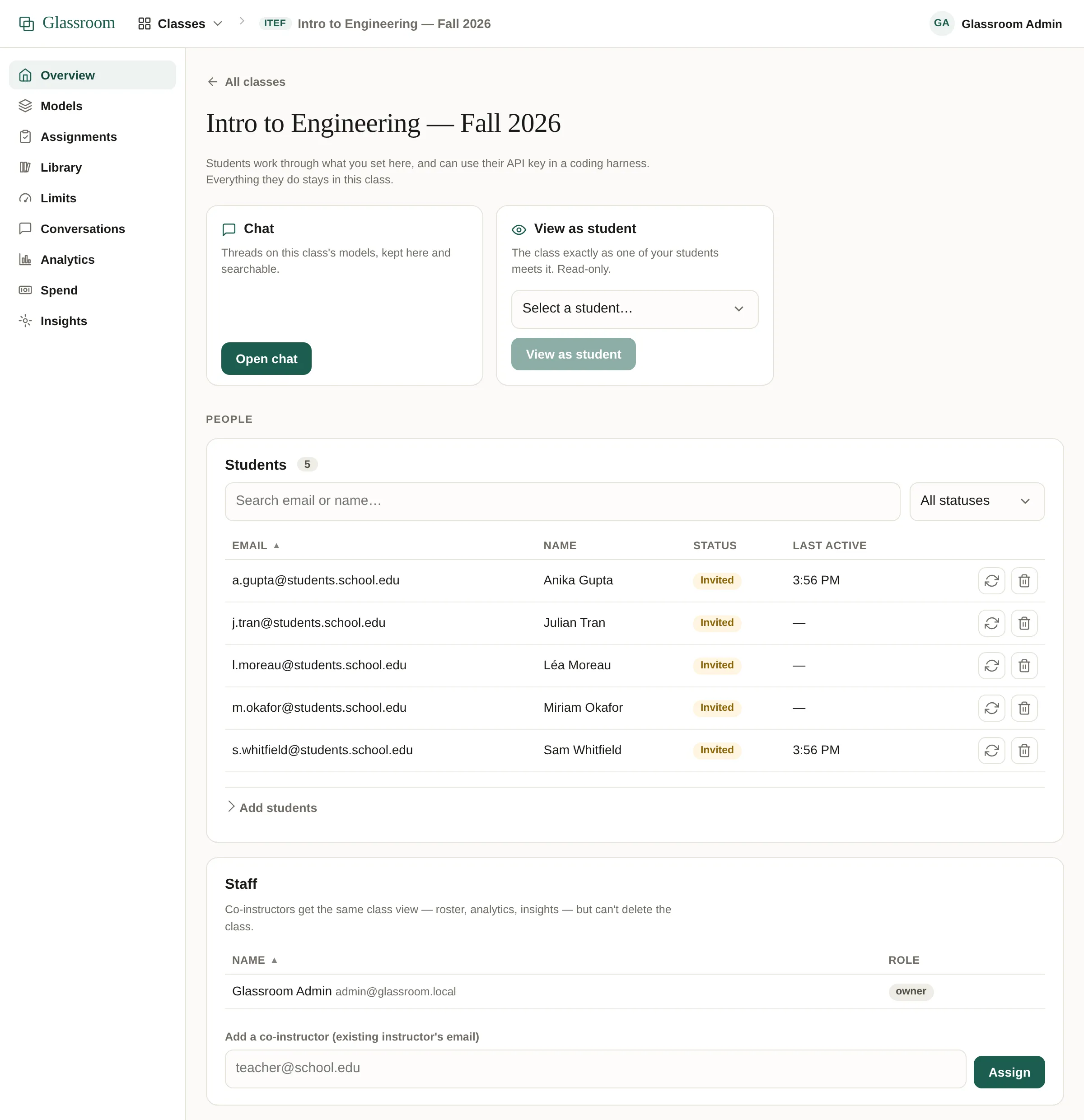
My classroom AI stack now has a name and a shape: Glassroom. Any instructor can self-host it or deploy it in one click, and a dashboard lets them set the course’s models, instructions, and limits.

SendView

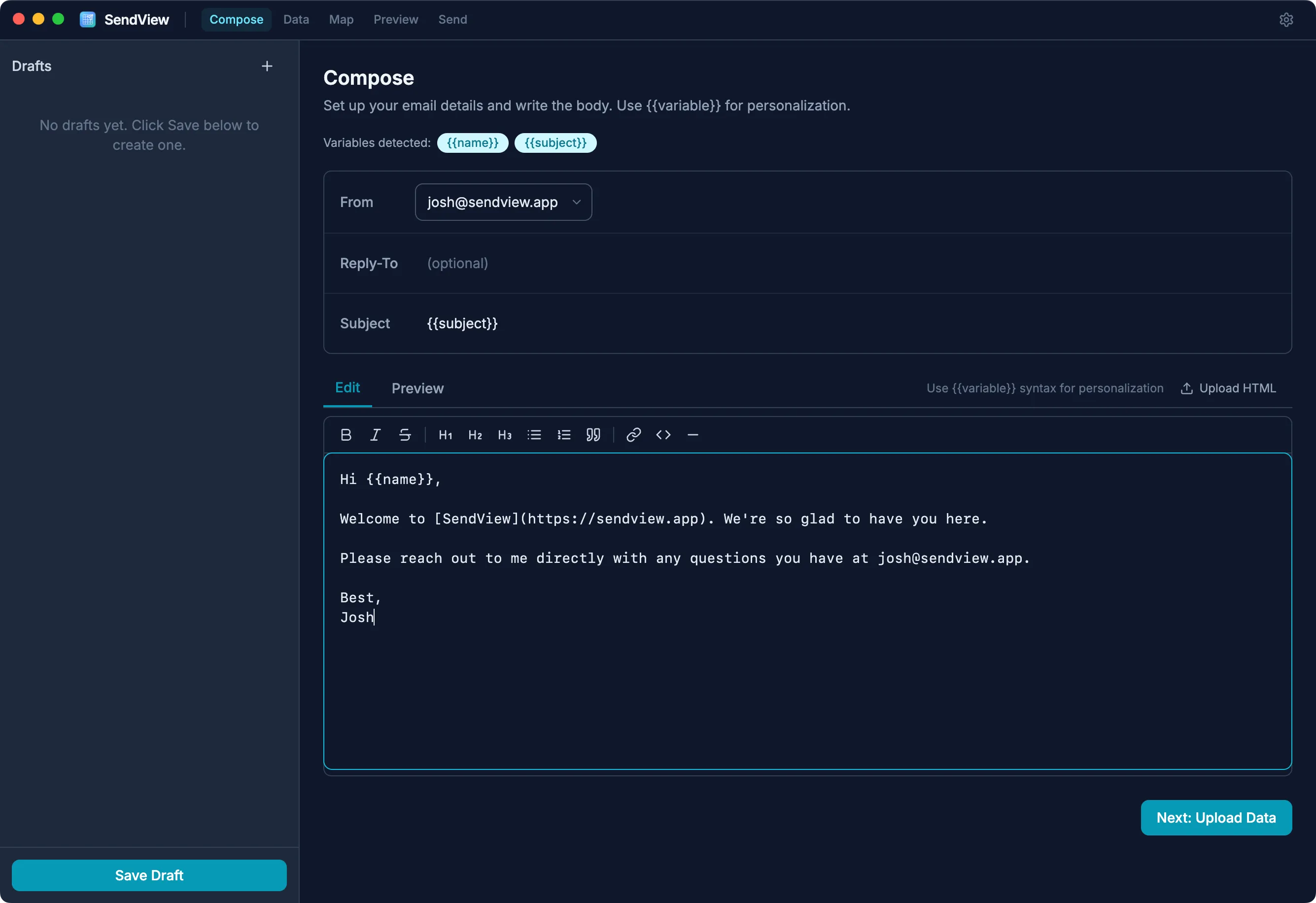
SendView ships as a desktop app

SendView now ships as a macOS desktop app, with release builds published from CI and updates that install themselves.